Overview
The Overview page displays all created bots, each featuring its title, a short description, and an icon. These bots are independent from each other, meaning they have separate content, workflows (flows), and knowledge bases. Each bot operates autonomously and is not affected by the others.
To create a new bot, simply click the plus (+) button at the end of the bot list.
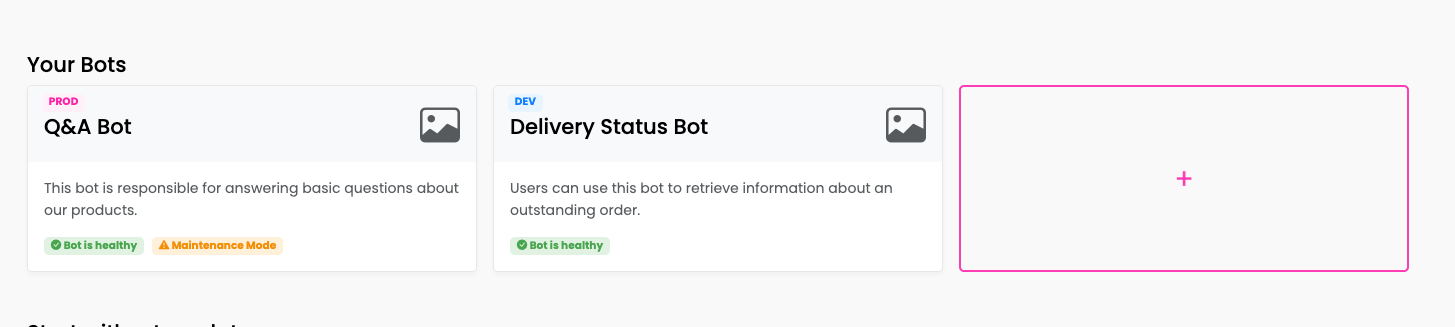
Each bot card may display additional status tags:
- Bot is healthy / Bot is unhealthy: A health check indicator showing whether the bot is ready for user interaction or has errors.
- Maintenance Mode: Displayed when a bot is in maintenance mode. See Bot Settings for details.