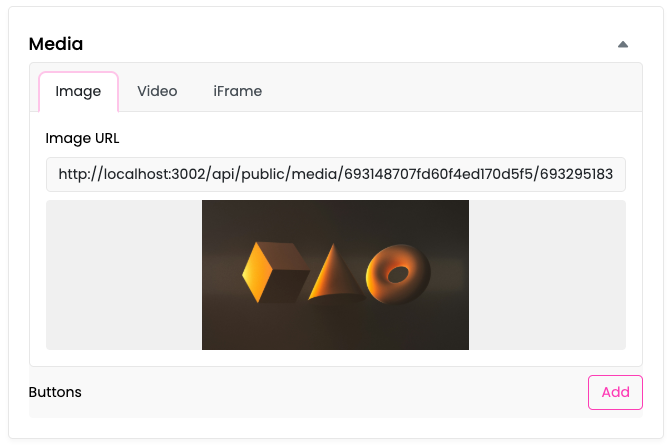
Media
The Media section allows you to upload and manage media files that can be accessed via publicly available URLs. Once uploaded, each file receives a unique URL that can be used to serve content from your bots.
This feature is particularly useful for serving resources such as images, documents, audio, or video files directly from your bot responses.
Uploading Files
To upload media files:
- Click the Upload Media Resource button in the upper-right corner.
- Either drag and drop files into the designated area, or click to select files from your device.
- Click Upload to finalize the upload.
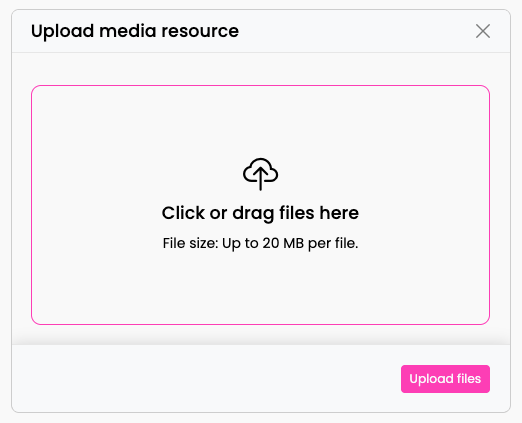
You can upload multiple files at once. The platform supports any file type, with a maximum file size of 20 MB per file.
Storage Quota
The Media section displays your current storage usage:
- Free storage remaining (in MB)

The storage quota is shared across your entire organization and between all bots.
Managing Files
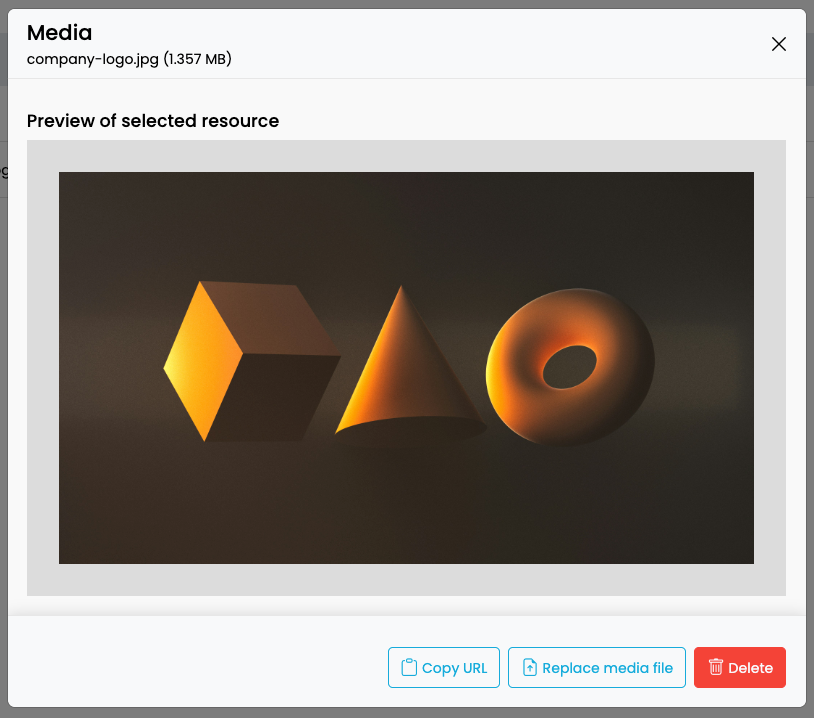
After uploading, your files appear in a list showing the file type, filename, and last updated date. Click on any file to open the preview dialog where you can manage it.
Preview Files
The platform supports previewing various file types directly in the browser:
- Images (PNG, JPG, GIF, etc.)
- PDFs
- Videos
- Audio files
Copy URL
To use a media file in your bot or elsewhere, copy its URL by clicking the Copy URL button. The URL is copied to your clipboard and can be pasted wherever needed.
Replace Files
You can replace an existing file with a new one while keeping the original URL intact. This is especially useful when:
- You need to update a resource (e.g., company logo) used across multiple bots
- You want to maintain existing references without updating every location where the URL is used
To replace a file:
- Click on the file you want to replace.
- Select Replace from the preview dialog.
- Upload the new file.
The original URL remains unchanged, and all references to it will now serve the new file.
Delete Files
To delete files:
Click on the file and select Delete from the preview dialog.
A confirmation dialog will appear before deletion is finalized.
Use Case: Serving Resources in Bot Responses
A common use case for the Media section is serving resources in your bot's Response nodes. For example:
- Upload your company logo to the Media section.
- Copy the generated URL.
- In your Flow, add a Response node and specify the URL in the media settings to serve the image from your bot.